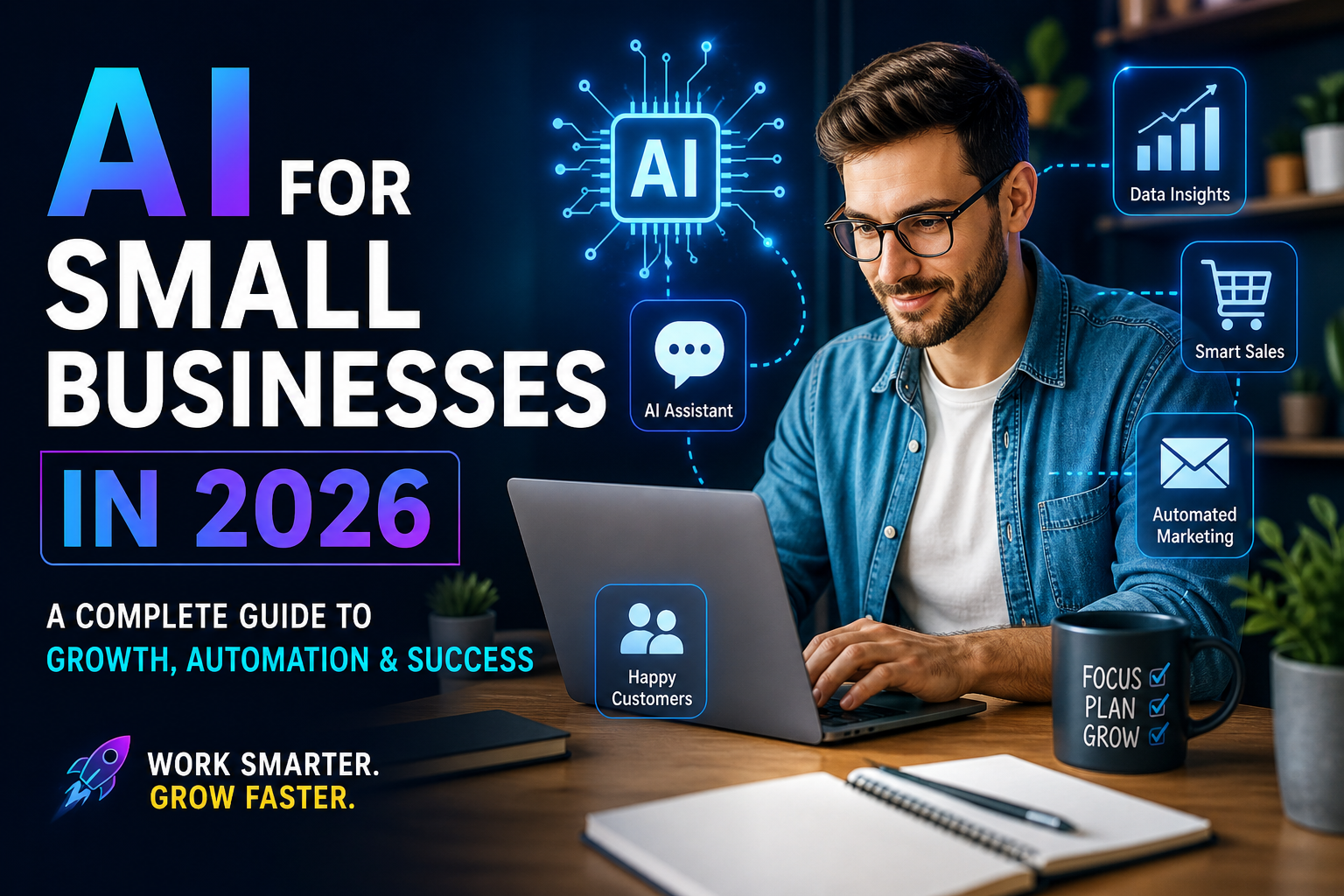
Running a small business in 2026 feels very different from just a few years ago. Things move faster now. Customers expect quick replies, smooth experiences, and personalized service. And honestly, keeping up can feel a bit overwhelming at times.
That’s where AI steps in. Not as a “fancy tech trend,” but as something practical that small businesses are quietly relying on every day. From handling repetitive tasks to helping make smarter decisions, AI is becoming part of how modern businesses survive and grow.
This guide breaks everything down in a simple way so you can actually understand how it fits into real business life not just theory or hype.
Why AI Is No Longer Optional for Small Businesses
A few years ago, AI was something only big companies talked about, but today it has become an essential part of businesses of all sizes. As customer expectations continue to evolve, the gap between businesses using AI and those that ignore it is growing rapidly. Small businesses are adopting AI because it saves time, reduces manual errors, and helps them compete with larger brands without the need for large teams.
Think about it:
- Replying to customer messages instantly
- Managing inventory without manual tracking
- Creating marketing content in minutes instead of hours
- Predicting what customers want next
It’s not about replacing people. It’s about helping small teams do more with less pressure.
And in 2026, that’s not just helpful it’s necessary.
How AI Is Changing Daily Business Operations
Let’s break it down into real-life use cases instead of abstract ideas.
Smarter Customer Support Without Extra Staff
Small businesses used to struggle with replying to every message on time. Now AI chat tools can handle common questions instantly.
Things like:
- Order status updates
- Store timings
- Basic product info
- Return policies
This doesn’t replace human support it just clears the small stuff so you can focus on real problems that need attention. Faster response times also help businesses build stronger customer relationships and improve overall satisfaction.
And customers actually like it because they get answers faster.
Marketing That Feels More Personal
Marketing used to be guesswork. Post something, hope it works, and adjust later.
Now AI helps you understand what your audience actually responds to.
It can:
- Suggest content ideas based on trends
- Write ad copies that match your audience tone
- Help schedule posts at the right time
- Analyze which campaigns are working
Instead of random posting, you start making decisions based on real patterns.
It feels less like guessing and more like knowing.
Better Decision Making with Less Stress
One of the most underrated uses of AI is data analysis.
Small business owners don’t usually have time to dig into spreadsheets or reports. AI tools can quickly show:
- What’s selling most
- Which products are underperforming
- When customers usually buy
- Where revenue is dropping
You don’t need to be a data expert anymore. You just need to understand what the system is showing you. Access to real-time insights allows business owners to make confident decisions based on accurate information instead of assumptions.
AI in Automation: Saving Time Where It Matters
If there’s one word that defines AI in business, it’s automation.
Automation is helping small businesses reduce repetitive work while improving overall productivity and operational efficiency.
But not the robotic kind people imagine. It’s more like removing tiny tasks that eat up your day.
Repetitive Work Gets Handled Automatically
This allows employees to spend more time on creative tasks, customer engagement, and business growth instead of repetitive administrative work.
Think about tasks like:
- Sending follow-up emails
- Updating inventory
- Scheduling social media posts
- Generating invoices
These things don’t need creativity. They just need to be done. AI tools can handle them quietly in the background.
That means you and your team can focus on actual growth instead of busy work.
Workflows That Actually Flow
Before AI, most small businesses used disconnected tools. One for emails, another for sales, another for customer tracking.
Now AI connects them.
So when something happens like a new order everything else updates automatically:
- Customer gets confirmation
- Inventory adjusts
- Invoice is generated
- Marketing system updates
It’s like your business starts syncing itself.
A connected workflow minimizes delays and ensures every department stays updated with the latest business activities.
AI Tools That Small Businesses Are Using in 2026
You don’t need expensive systems or complicated setups anymore. Most AI tools are built to be simple.
Here are the main types businesses rely on:
AI Writing Tools
Used for:
- Blog posts
- Product descriptions
- Social media captions
- Emails
They help speed up content creation without losing quality.
AI Analytics Platforms
Real-time analytics make it easier to identify opportunities, monitor customer behavior, and respond quickly to changing market trends.
These tools track customer behavior and business performance in real time.
Instead of waiting for monthly reports, you see updates instantly.
AI Marketing Assistants
These intelligent assistants reduce manual effort and help businesses achieve better marketing results with less time and budget.
They help with:
- Campaign planning
- Audience targeting
- Ad optimization
- Content suggestions
Basically, they act like a small marketing team in your pocket.
How to Start Using AI in Your Small Business
Getting started with AI doesn’t have to feel complicated or technical. A lot of people think they need advanced skills or expensive tools, but that’s not really true anymore. In 2026, most AI tools are built for everyday users, not developers.
The key is to start simple and build your way up instead of trying to change everything at once.
Step 1: Understand Where You’re Losing Time
Before jumping into tools, take a moment to notice your daily routine. What tasks feel repetitive or time-consuming?
For example:
- Are you answering the same customer questions again and again?
- Do you spend too much time writing social media posts?
- Is invoicing or data entry eating up your day?
- Do you struggle to keep up with emails?
These small tasks might not seem like a big deal individually, but together they take a lot of energy. That’s exactly where AI can step in and make things easier.
The idea isn’t to change your entire business overnight just identify the areas that slow you down the most.
Step 2: Start With One Simple AI Tool
Starting with one simple solution helps businesses learn gradually without disrupting existing operations. One of the biggest mistakes small business owners make is trying too many tools at once. That usually leads to confusion and frustration.
Instead, pick just one area and try improving it.
For example:
- If content takes too long → try an AI writing tool
- If customer messages are overwhelming → use a chatbot
- If marketing feels random → use an AI scheduling or planning tool
Keep it focused. One tool, one problem.
Once you see how it helps, you’ll naturally feel more confident about trying others.
Step 3: Test It in Real Work, Not Just Theory
A lot of people try AI tools for a few minutes and then decide whether they “like it” or not. But real value only shows up when you use it in your actual daily work.
So instead of testing it in isolation, try things like:
- Writing a real post using AI help
- Letting it handle real customer queries
- Using it for an actual invoice or report
- Running a real marketing idea through it
This is where you’ll notice the difference not in features, but in how much time and effort it actually saves you. Real-world testing provides valuable insights that help businesses maximize the benefits of AI technology.
Step 4: Adjust Instead of Giving Up
Continuous improvement is an important part of successfully using AI tools in everyday business activities. Not every tool will feel perfect right away. Sometimes the setup needs tweaking, or you need to guide it better.
That’s normal.
AI works best when you treat it like an assistant, not a magic button. If something doesn’t feel right, adjust your instructions or try a slightly different approach.
Most people quit too early, thinking it didn’t work — but in reality, they just didn’t give it enough time to fit into their workflow.
Step 5: Slowly Add More Automation Over Time
Expanding automation gradually ensures employees can comfortably adapt to new technologies without unnecessary pressure. Once you’re comfortable with one tool and you see results, then you can expand.
Maybe next you:
- Automate your email replies
- Add AI to handle scheduling
- Use it for sales tracking
- Improve your marketing system
But again, go step by step. No rush.
The goal is not to overwhelm yourself with technology it’s to make your business feel lighter, smoother, and easier to manage.
A Simple Mindset Shift
If you want to really succeed with AI in your business, remember this:
It’s not about replacing your work. It’s about reducing the parts of work that drain your time and energy.
Once that mindset clicks, using AI stops feeling like a “tech upgrade” and starts feeling like a natural part of how you run things. Businesses that embrace AI today are better prepared to compete, adapt, and grow in an increasingly digital marketplace.
Ready to see where AI and automation could save your team time? We build AI automation on top of Odoo and the tools you already use.